Paste: Never a bad slide.
Paste was WeTransfer’s web-based, collaborative alternative to PowerPoint and Keynote. You brought the content, Paste turned it into a deck.
Stop making slides, start pitching ideas.
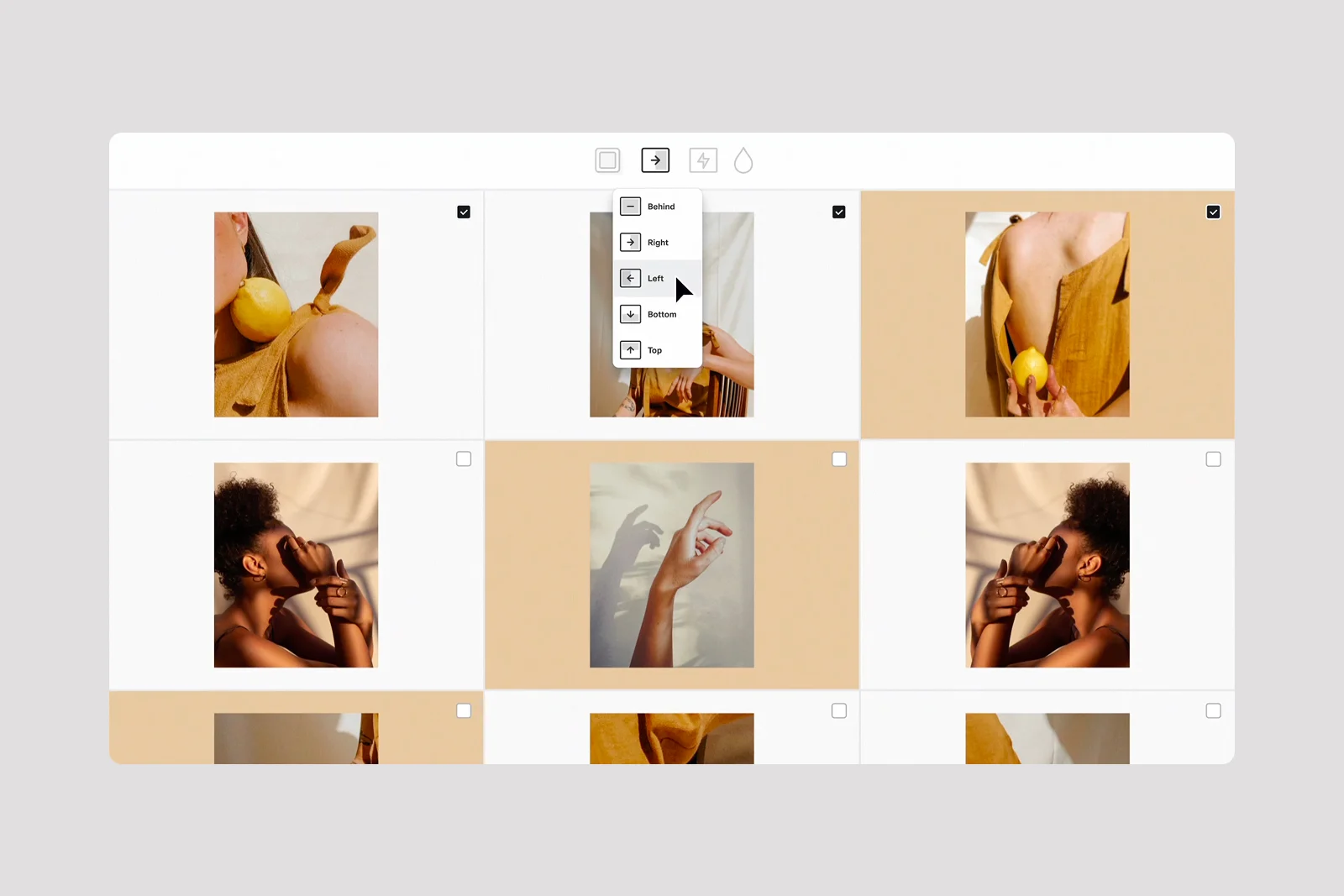
Paste designed slides automatically from whatever you dropped in and applied your company’s brand style. A grid view made a whole deck easy to scan at a glance, and teams could shape and present decks together in real time. The aim was to bring ease and delight to making slides, and to make Paste a canvas you could think on.
I worked on product development and strategy, and most of all on onboarding: the first minutes that turned someone with a pile of content into a deck creator.
I also led the design and development of the Paste iOS app, which launched in June 2020.
- Product development and strategy
- Onboarding
- iOS app, design and development lead
- User research and user testing
- Art direction, UX and UI design, prototyping
Redesigning onboarding: learn it three ways.
People signed up, landed on Home and stalled. They got too little direction to reach their first slide.
Paste worked differently from other presentation tools. It had fewer but better features and helped you design slides without thinking. Onboarding had to get that across in the first minutes, so we built it around three touchpoints.
1. Learn by differentiator
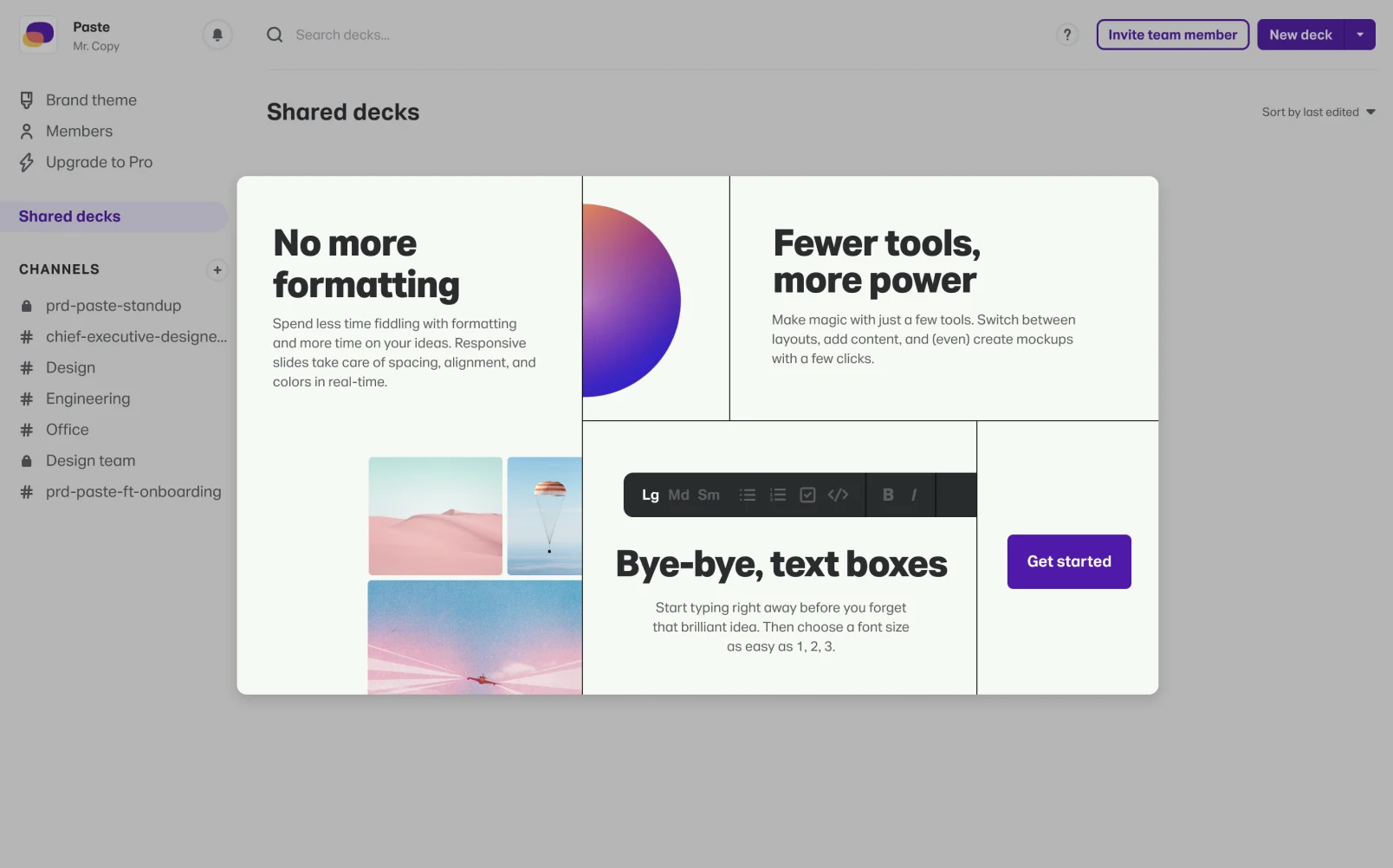
Right after signup, a welcome screen explained why Paste was different: no more formatting, fewer tools with more power, and no more text boxes.
2. Learn by video
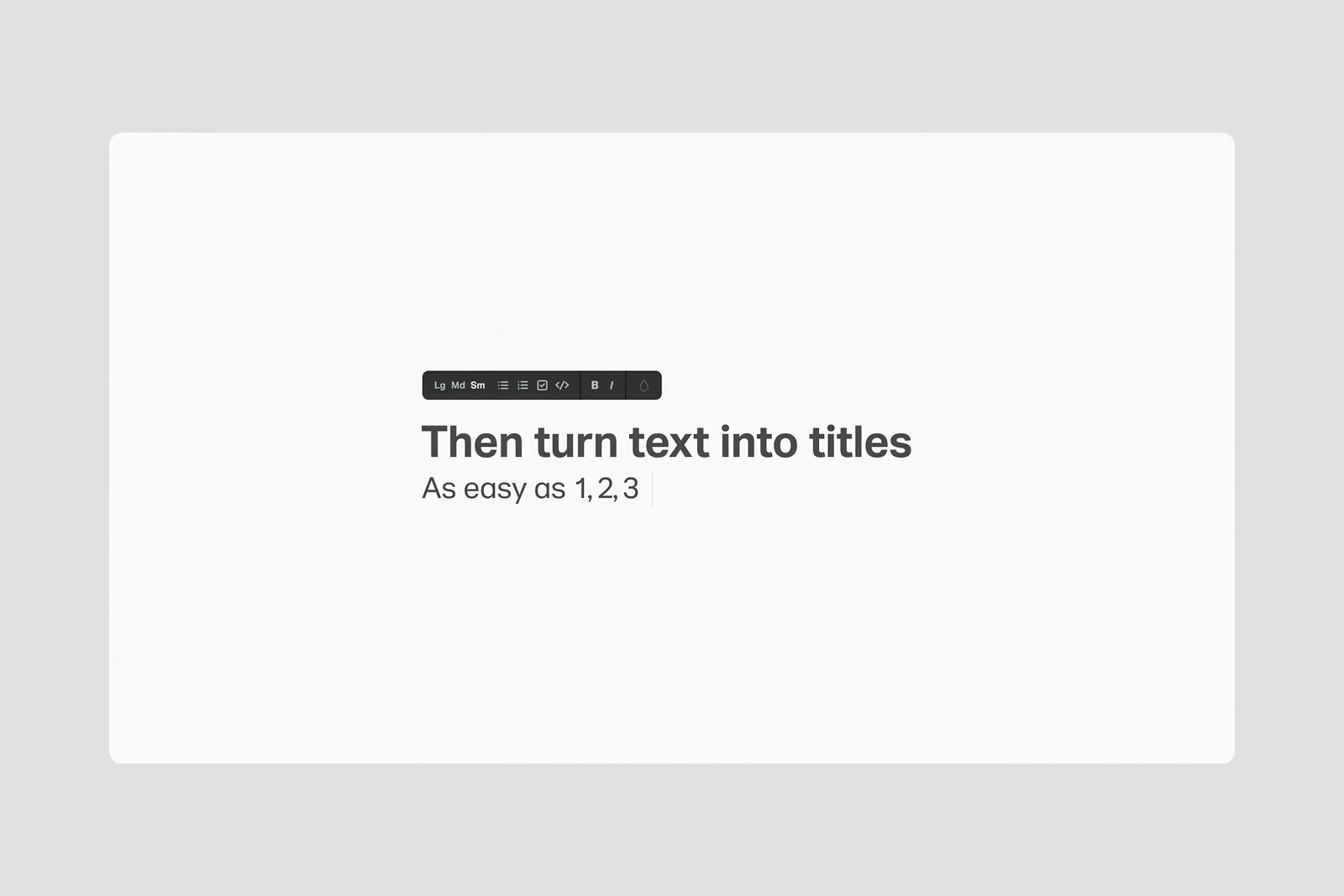
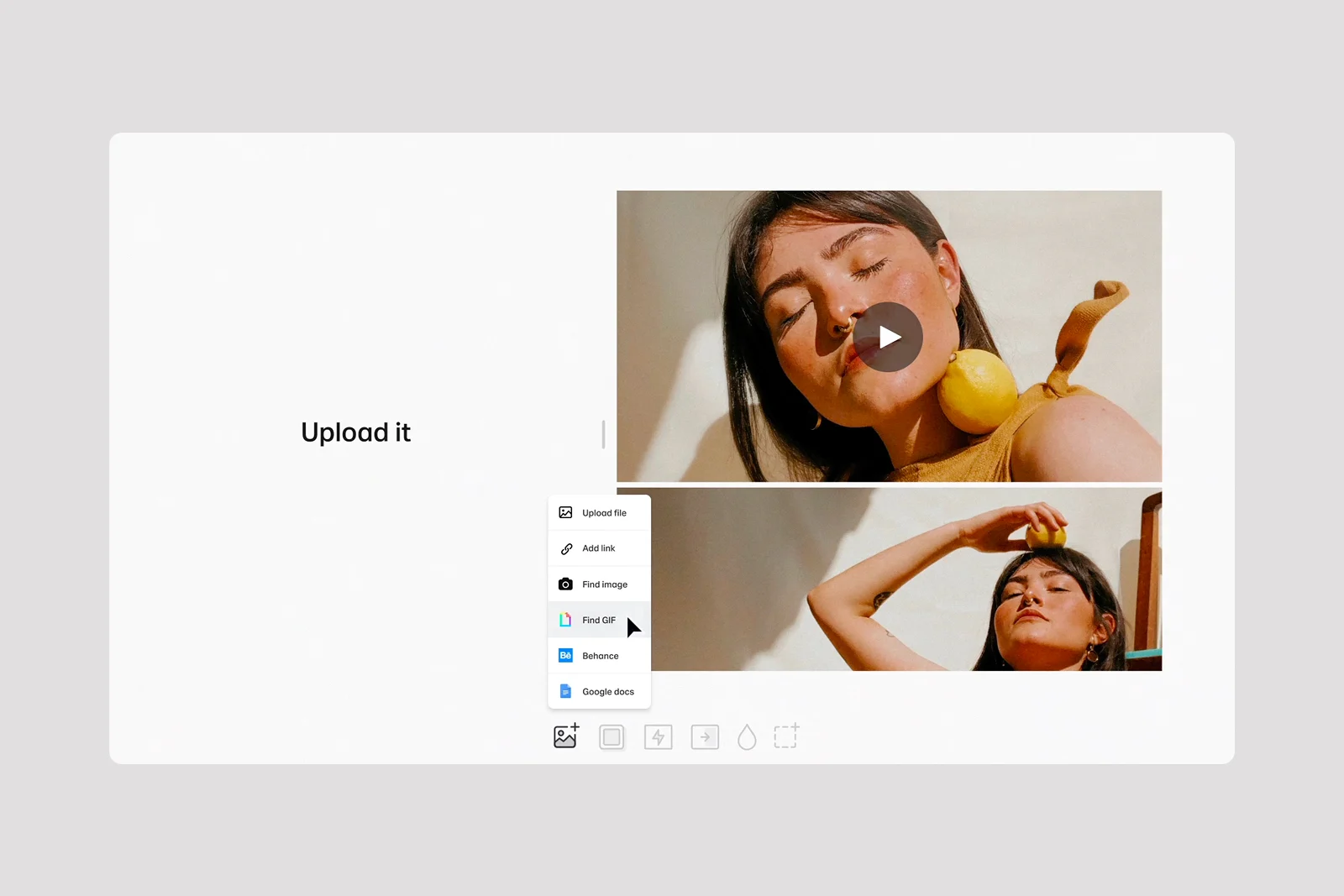
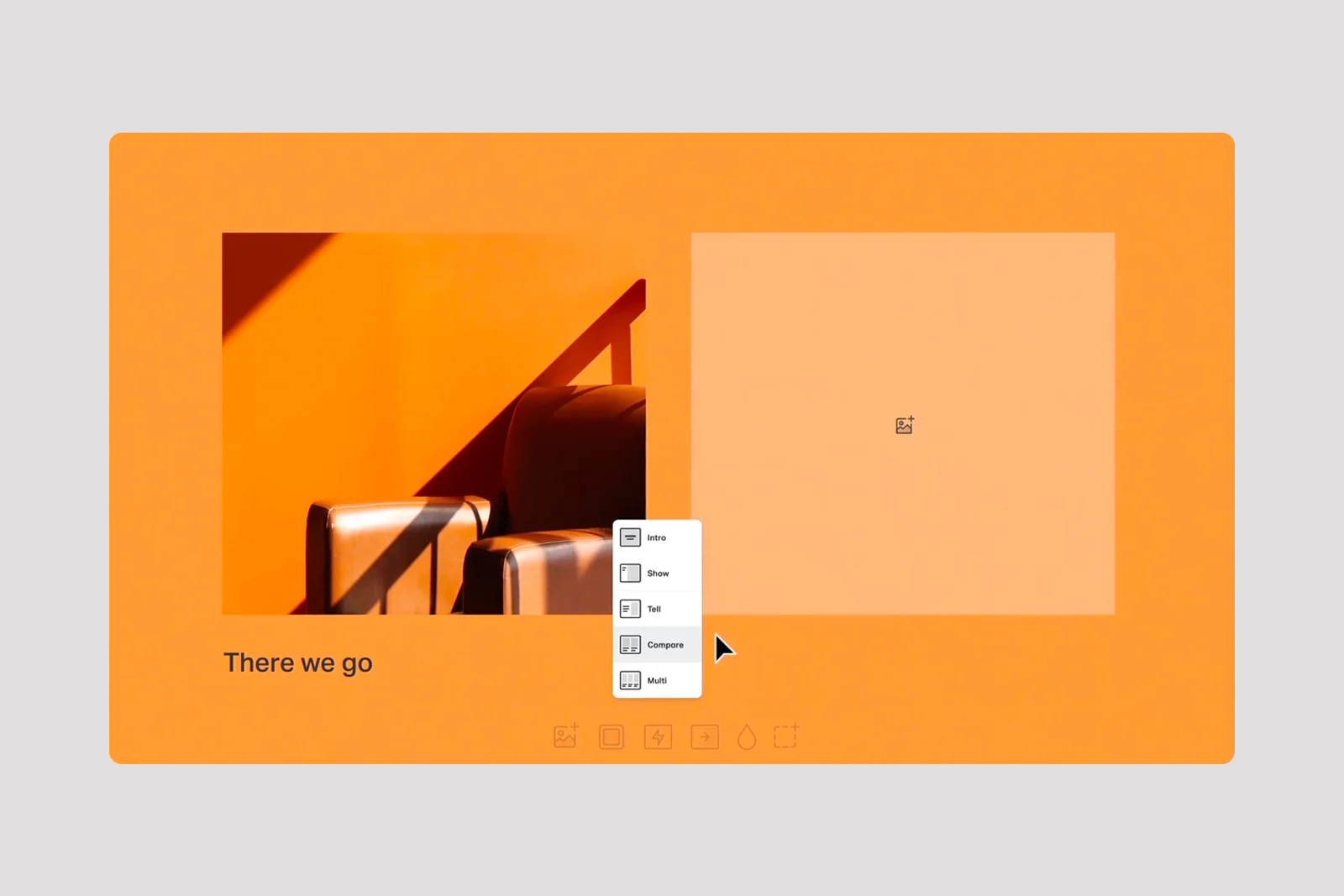
Next, the Welcome to Paste video highlighted the features that mattered most: the text tool, integrations, auto-formatting, collaboration, multi-slide formatting and brand themes.

3. Learn by doing
In the editor, tooltips showed in context what each feature could do for your deck. They reused scenes from the video, so all three touchpoints told one story.
- TeamStijn Eversdijk, Flávio Lourenço, Daria V., Iulia Soare, KJ Chun, Will Urmston, Larry Fox, Alban Creton, Joe Yuhas, Matt Cullerton, Manpreet Sethi, Allen Lau